A Box of your own
Your own little patch of land to build on. Grow it through 40 sizes, pick a border color and invite your friends in.
JavaBedrockSurvival
Doors open Saturday, November 14 at 1 PM ET
A cozy survival town for Java and Bedrock
Get your own Box, help the townsfolk with their stories, fish, farm, trade and collect cosmetics with a friendly crowd. Play from a PC, phone or console, it's all the same world.
Minecraft Java 1.21 or newer. No port needed.
Port Phones, tablets, consoles and Windows.
Updates, events and changes, straight from the team.
Mayor Chester Blocksworth has been expecting you. Yes, you He'll want a word the moment you arrive and you'll definitely want to hear what he has to say. Mayor Blocksworth will po…
Read moreThis is the new home of Blockville on the web. You'll find news and updates here first, a quick guide to getting into the game on Java or Bedrock, and the steps for joining our Di…
Read moreA cozy survival town with plenty to chase, at whatever pace you like.
Your own little patch of land to build on. Grow it through 40 sizes, pick a border color and invite your friends in.
Chef Basil, Barley, Magnus, Rory and Captain Hale each have a fully voiced storyline, with mini-games, unique rewards and titles at the end.
Sell what you mine, farm and fish, save in the bank for daily interest, trade on the auction house, or take out a loan for a big build.
Hats, wings, glows, pets, balloons, plushies and tags. Most can be dyed any color, and some only come from finishing a story.
Hop into a minigame when one opens, fight waves in the arena, race the weekly maze or crack the weekly riddle. Your stuff stays safe while you play.
Over a hundred custom fish to catch, better rods to earn along the way, and a Fishing Derby when you're ready to show off.
Almost everything you do earns XP. Level up for extra homes, sell bonuses and a kit, then prestige for permanent boosts.
Helpful staff, clear rules, fair appeals and a Discord where people actually hang out. Link your account and get $250 to start.
Events take turns all day: co-op minigames, fishing contests and mining and farming frenzies. Fifteen minutes after one ends, the next one opens, and chat gives you a heads-up first. Anything you're carrying is saved when you join a minigame and handed back when you leave.
 In the rotation
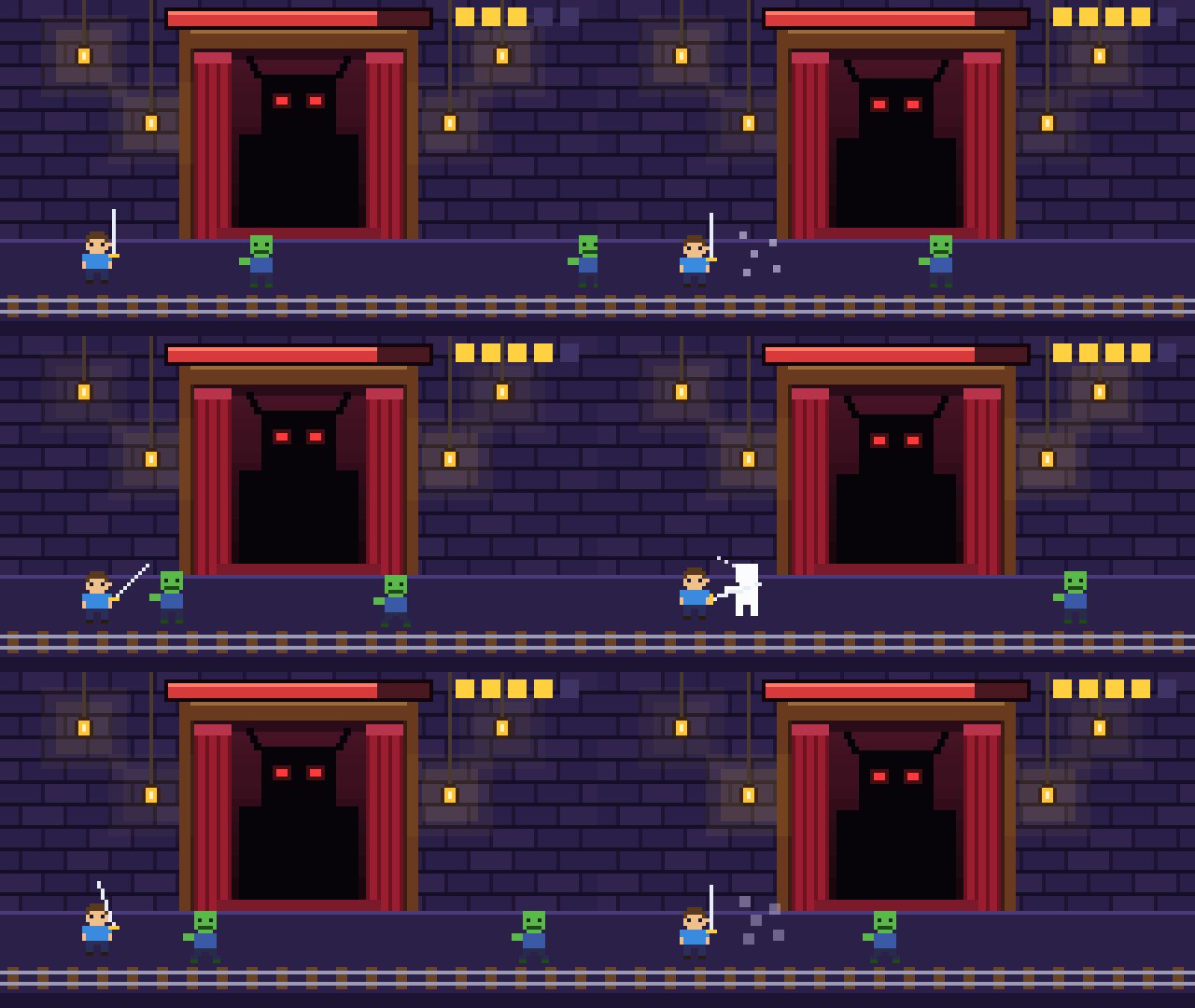
Pick a kit and hold out with your crew against 25 waves of monsters, with a boss every fifth wave. Clear wave 25 and the prize is yours.
 In the rotation
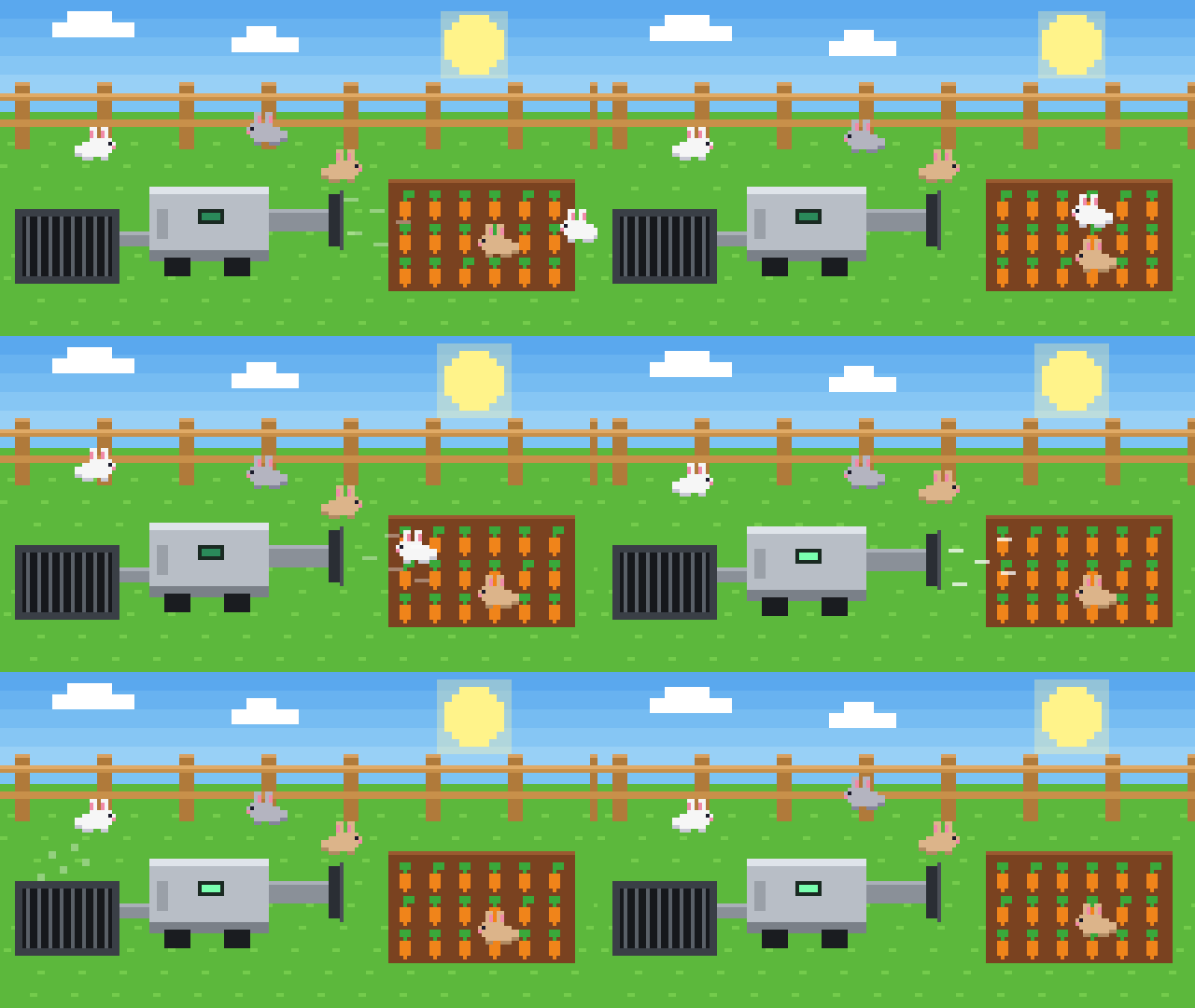
Raiding rabbits are after your garden. Suck them up with the Garden Vac, fire them down the drain and keep your crops alive through 7 rounds, ending with the Rabbit King.
 In the rotation
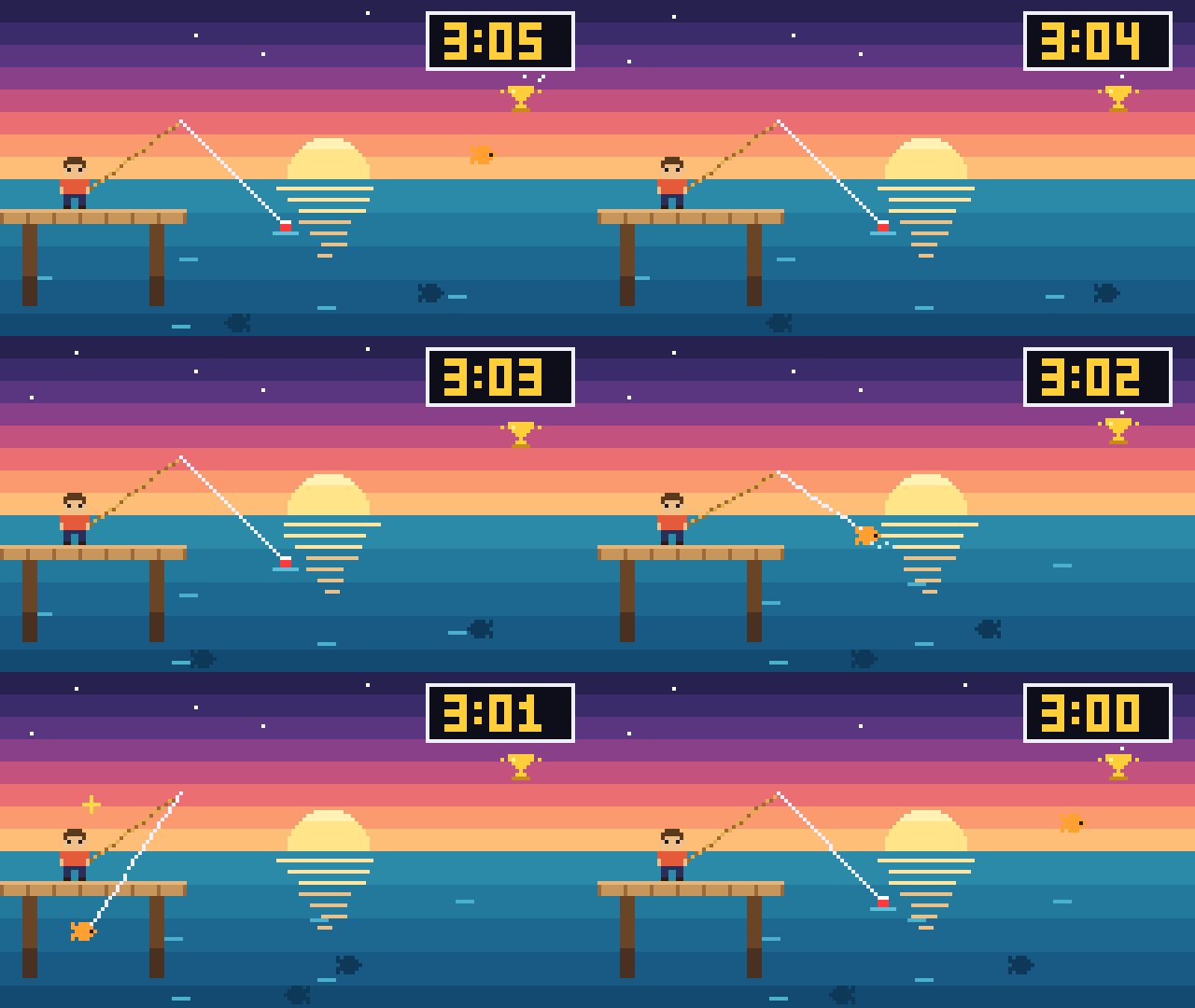
Fishing contests, Mining Frenzy and Farming Frenzy. No joining needed: just fish, mine or farm wherever you are while the clock runs, and climb the live leaderboard.
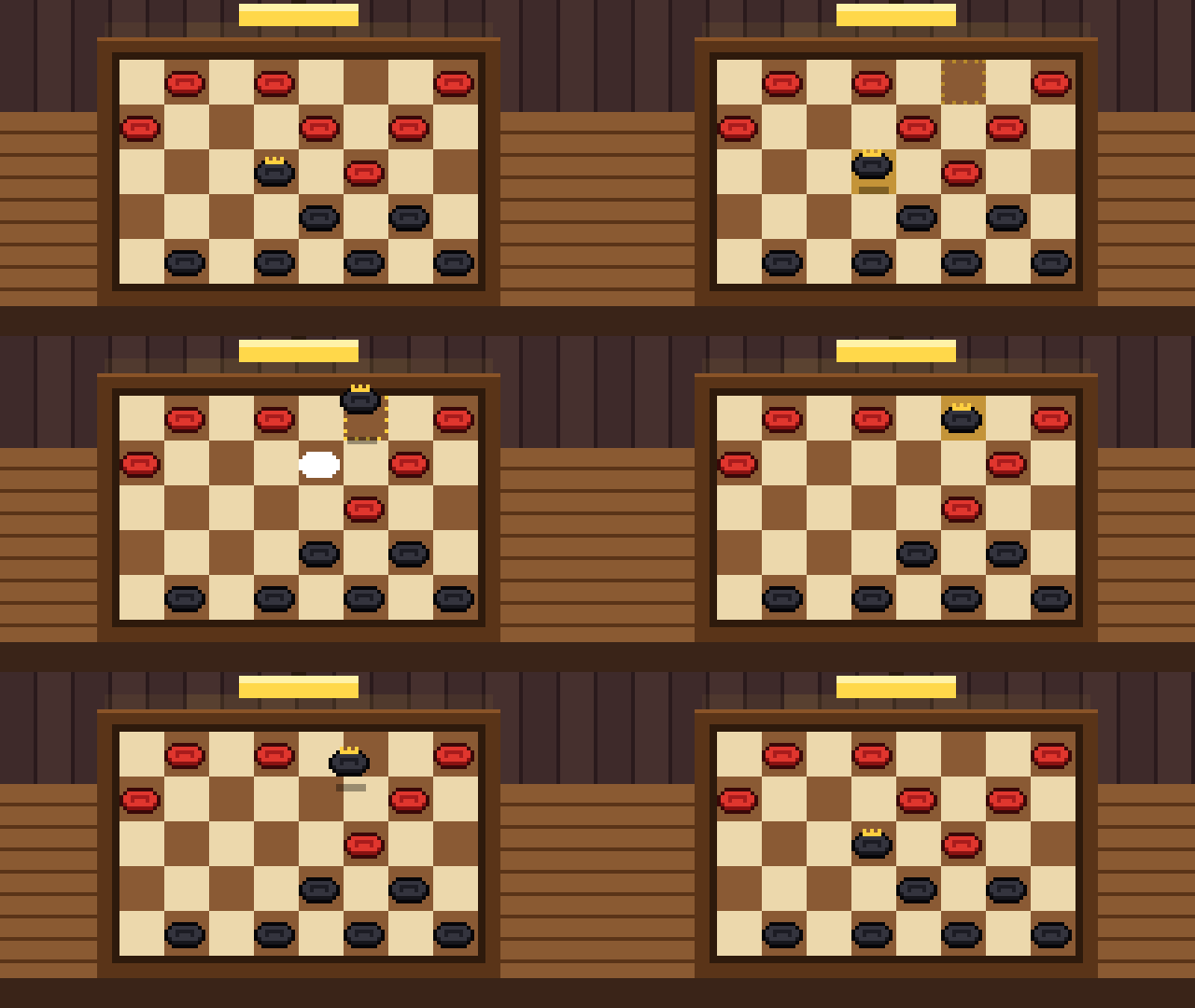
Sit down at a table any time for a game against a friend or one of six Blockville bots, and climb the ladder with your rating.
Voting takes about a minute, helps new players find Blockville, and pays you every time. You can vote on each site once every 24 hours.
Type your exact Minecraft username on each site. Bedrock players: include the dot at the start if your name has one in game.
You'll be in game in about a minute.
In Minecraft, add a server with the address play.blockville.org. On Bedrock, the port is 19132.
It's what makes the custom items, menus and music work, so accept it when it pops up.
He'll show you around town and send you off to your new Box. Type /menu whenever you're lost.
Minecraft Java 1.21 or newer. No port needed.
Port No Java account needed.
Blockville is better with you in it.